How to Use Student Data Trackers to Motivate Students and Improve Student Outcomes
As teachers, we’re always searching for ways to help our students take more ownership of their learning. We teach, reteach, differentiate, and cheer them on, but sometimes students need a clear, visual way to understand their progress. That’s where student data trackers come in.
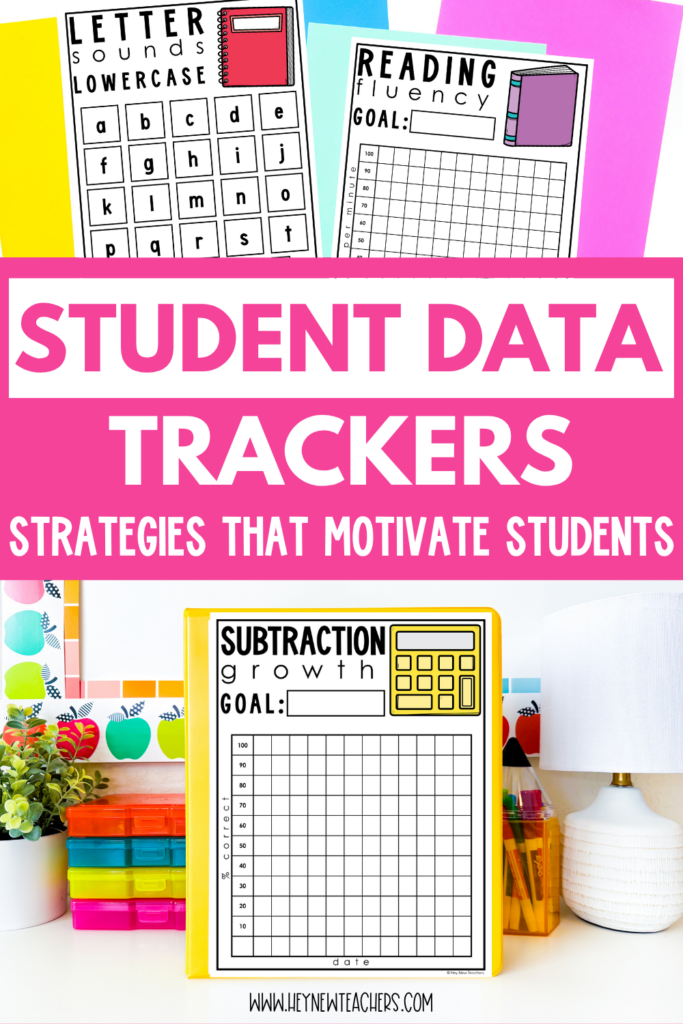
When used consistently, student data trackers not only help you monitor growth, but they also empower students to set goals, reflect on their progress, and celebrate their success. This small but powerful tool can completely transform the way students view learning and achievement.
In this post, I’ll walk you through how to use student data trackers in your classroom, how they can become a powerful part of your parent-teacher conferences, and practical tips to make them work for you and your students.
Why Use Student Data Trackers?
At first glance, student data trackers might just look like another set of forms. But they’re so much more than that. Here are a few reasons why they’re worth incorporating into your classroom routines:
- Student ownership: Students are no longer passive learners waiting for you to hand back results. They see their progress and take responsibility for their growth.
- Visual motivation: Growth is easier to see when it’s charted. Even small gains feel exciting when students can physically color in or record progress on a tracker.
- Goal setting: Student data trackers help students set short-term and long-term goals and give them a tangible reminder of what they’re working toward.
- Clear communication: They provide a common language for conversations with parents, support staff, and even the students themselves.
By embedding data tracking into your daily or weekly routines, you create a classroom culture where progress is celebrated and growth is possible for everyone.
Using Student Data Trackers with Students
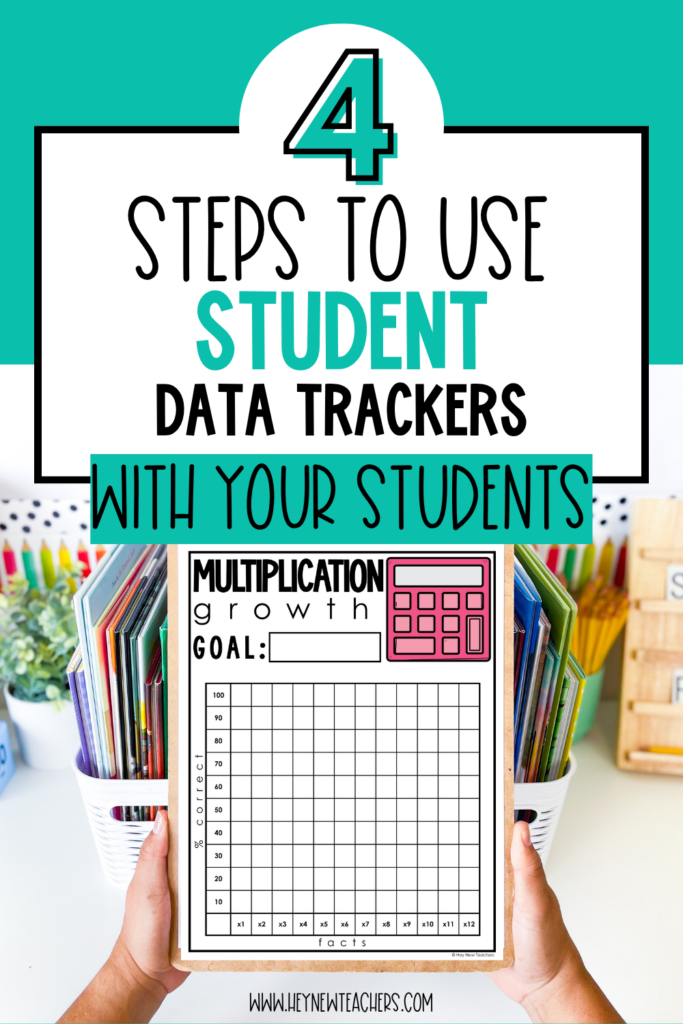
The most important part of data tracking is ensuring that students are actively involved. Here’s how you can get started:
Step 1: Introduce Student Data Trackers Clearly
Begin by explaining to your students why you’ll be using these trackers. Tell them it’s not about comparing themselves to others but about seeing how much they personally grow. Show them a sample tracker and walk through how it will be filled out.
Step 2: Build It into Routines
After an assessment, small quiz, or skill check, set aside time for students to update their data trackers. This can be as quick as five minutes. For younger students, you may want to guide them step-by-step, while older students can take on more responsibility.
Step 3: Make It Engaging
Allow students to color in graphs, highlight growth, or write a reflection sentence. These small steps turn data into a visual story rather than just numbers. You’ll be amazed at how excited they can get about coloring in one more bar on a reading fluency chart!
Step 4: Reflect and Set Goals
Encourage students to use their student data trackers to set goals for the next week or unit. For example: “I scored 15 out of 20 on my multiplication facts this week. Next time, I want to aim for 17.” These reflections help students think critically about their learning and set realistic targets.
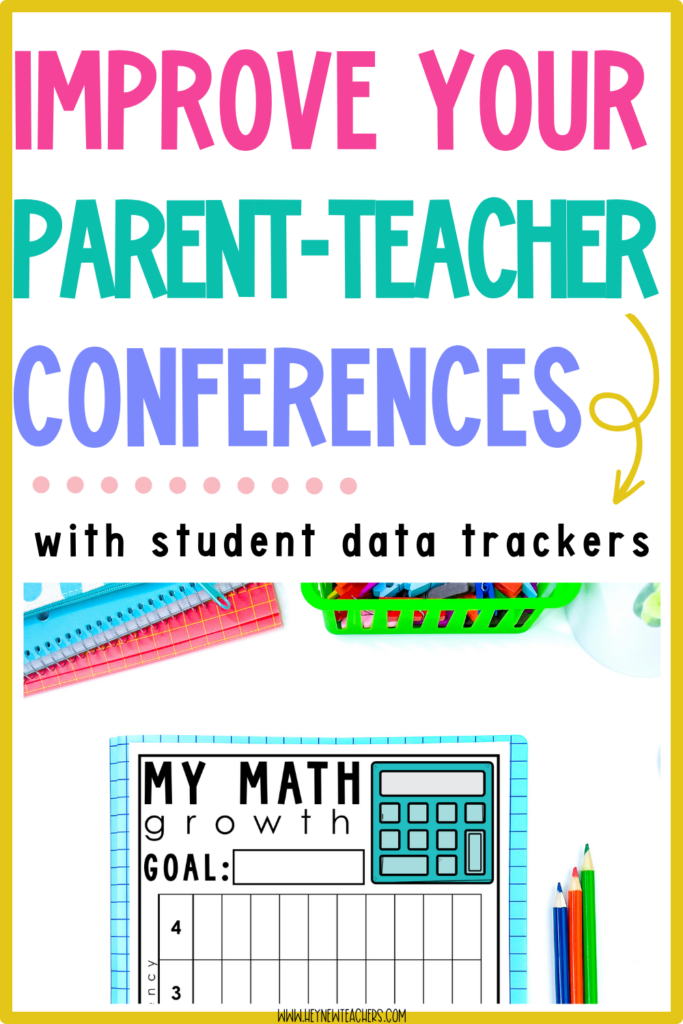
How Student Data Trackers Improve Parent-Teacher Conferences
Parent-teacher conferences can sometimes feel rushed or abstract. You’re trying to explain how a student is doing while parents nod politely but may not fully grasp what you mean by “on grade level” or “approaching standard.”
Student data trackers take the guesswork out of these conversations. Instead of simply telling parents how their child is doing, you can show them. Here’s how:
- Make progress visible: Parents can see exactly where their child started and how far they’ve come.
- Encourage parent involvement: With data trackers in hand, parents can better support their child at home, whether it’s practicing sight words, working on math facts, or celebrating growth.
- Build trust: Sharing trackers shows that you’re transparent and organized, which reassures parents that their child’s learning is in good hands.
Some teachers even invite students to lead conferences, using their data trackers to explain their own progress. This not only impresses parents but also empowers students to take pride in their learning journey.
Different Ways to Use Student Data Trackers
The beauty of data trackers is their flexibility. You can adapt them to fit your students’ needs and your teaching style. Here are some practical ideas:
- General subject trackers: Use these to monitor overall progress in reading, math, writing, or other core areas.
- Skill-specific trackers: Break down bigger subjects into smaller skills, such as multiplication facts, sight word recognition, or writing conventions.
- Behavior or participation trackers: Data tracking doesn’t have to be academic only. You can track behaviors like completing homework, participating in discussions, or showing kindness.
- Group progress trackers: Create a collective class chart where students can see how the group as a whole is improving. This fosters a sense of teamwork and shared responsibility.
Having a variety of options makes it easy to tailor the trackers to your class and your instructional goals.
Tips for Making Student Data Trackers Work
Like any classroom tool, student data trackers work best when they’re used intentionally. Here are a few tips:
- Keep it simple: Don’t overwhelm yourself or your students with too many trackers. Start with one or two key areas.
- Stay consistent: The power of data tracking comes from repeated use. Make it a routine, so students expect to update their trackers regularly.
- Celebrate growth, not perfection: Focus on progress, no matter how small. This keeps students motivated and prevents them from feeling discouraged.
- Use them as teaching tools: Review data trackers during small groups to decide what to reteach or which skills to reinforce.
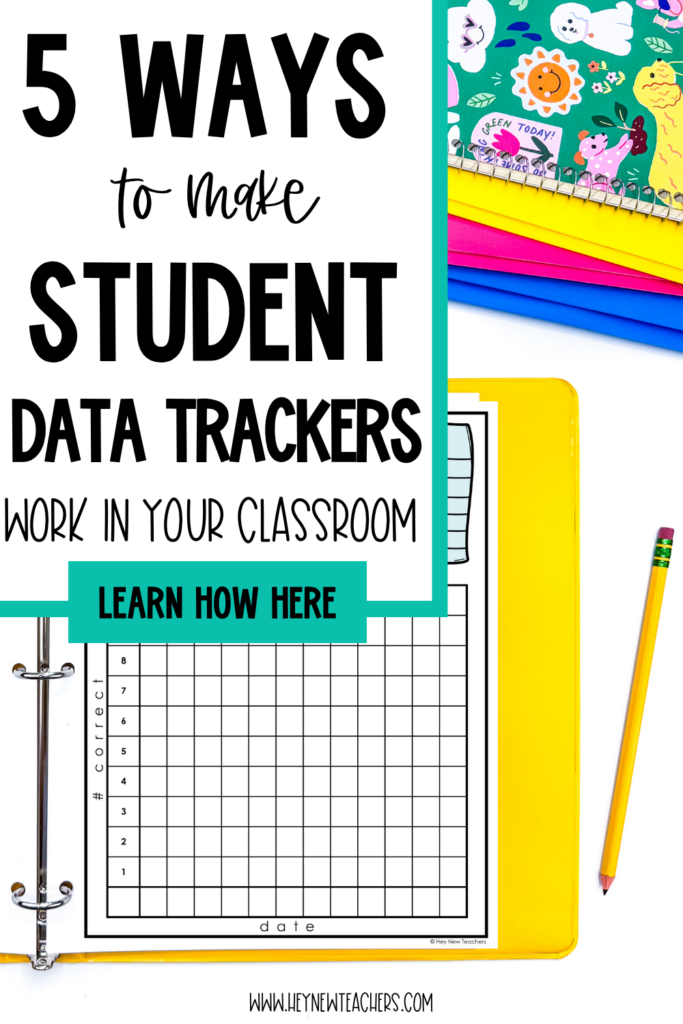
- Make them accessible: Store trackers in student folders or binders so they’re easy to grab during class or conferences.
Why Student Data Trackers Improve Student Outcomes
At the end of the day, the goal of student data trackers is not just to collect information. It’s to improve learning. Here’s why they work:
- Students are motivated: Seeing progress builds confidence and encourages effort.
- Teachers make better decisions: With clear data, you can target instruction more effectively.
- Parents feel informed: When families understand progress, they can better support learning at home.
- Growth is celebrated: Every student, regardless of their starting point, gets to witness their own journey of improvement.
When students, teachers, and parents are all invested in the process, outcomes naturally improve.
Adding these trackers to your classroom is a simple but powerful way to increase motivation, strengthen communication, and support student growth. Whether you’re tracking big-picture goals or small, skill-specific milestones, these tools make learning visible and meaningful.
If you’re ready to get started, there are ready-to-use student data trackers available that cover both general subjects and specific skills, making it easy to find the right fit for your classroom.
GET THEM HERE!
With a little consistency, you’ll see how quickly this small change can make a big difference in student outcomes.